Logo

SAFEAREA

Drop video or image here

MP4, MOV, PNG, JPG (9:16 recommended)

Download 2026 Safe Zone PNG Templates

Need the raw files for your editing timeline? Download the most up-to-date transparent layouts below.

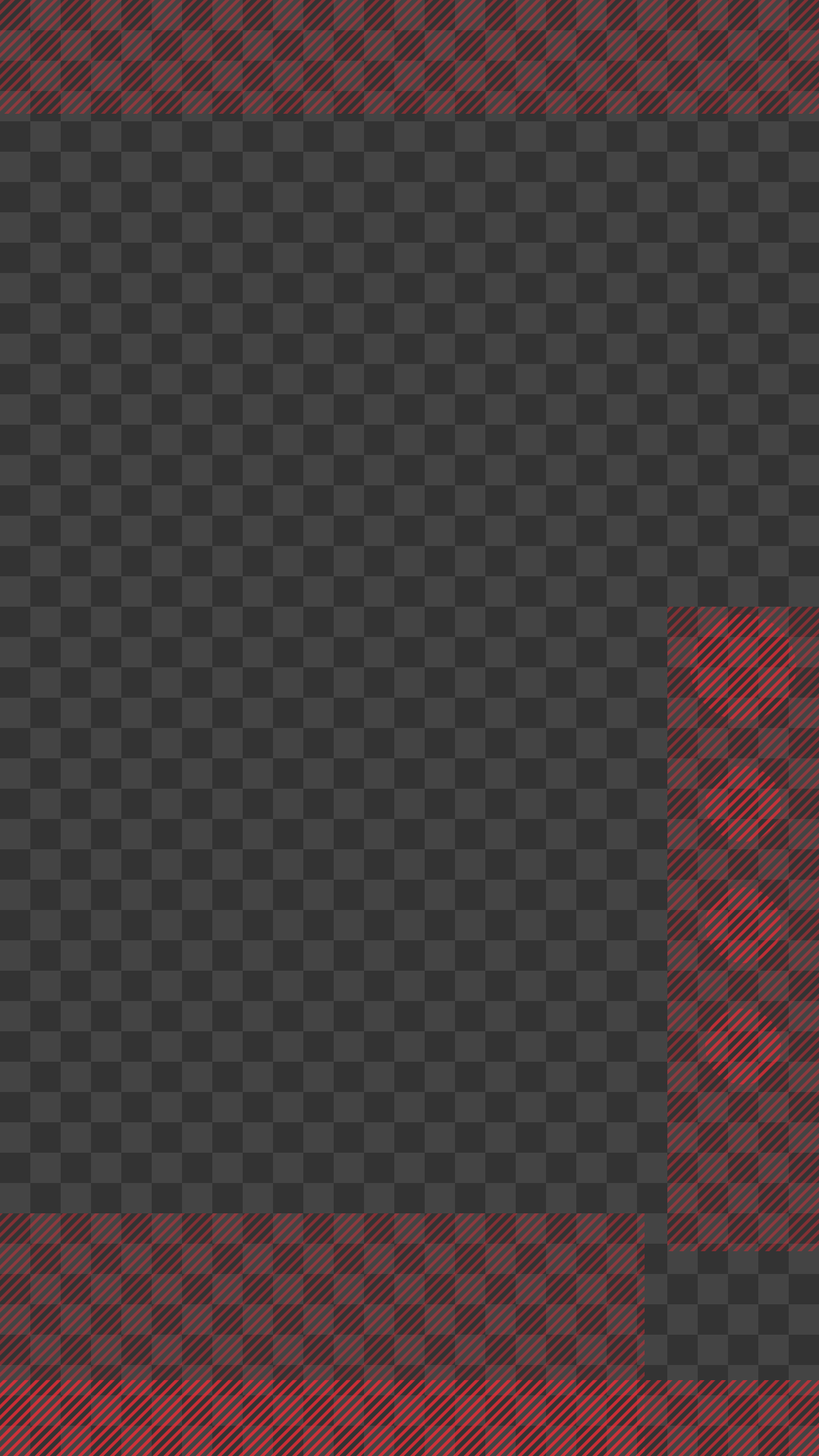
TikTok Overlays

Looking for a precise safe zone tiktok png? Grab our latest 2026 update to ensure your captions and profile buttons never overlap your content.

Download TikTok PNG

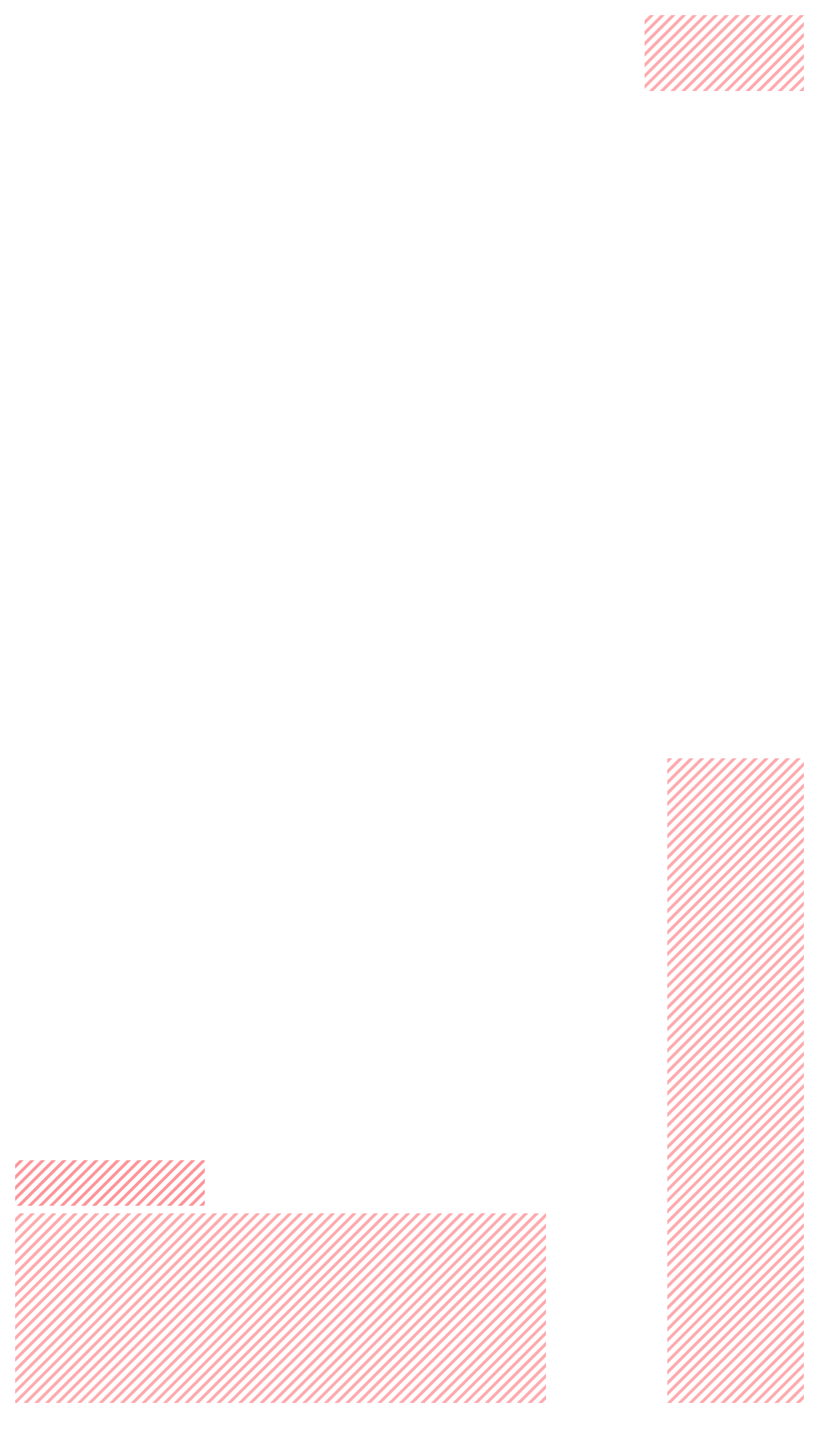
Instagram Reels Overlays

Download the exact instagram reels safe zone template 2026 to keep your titles, icons, and captions clear of the native UI.

Download Reels Template

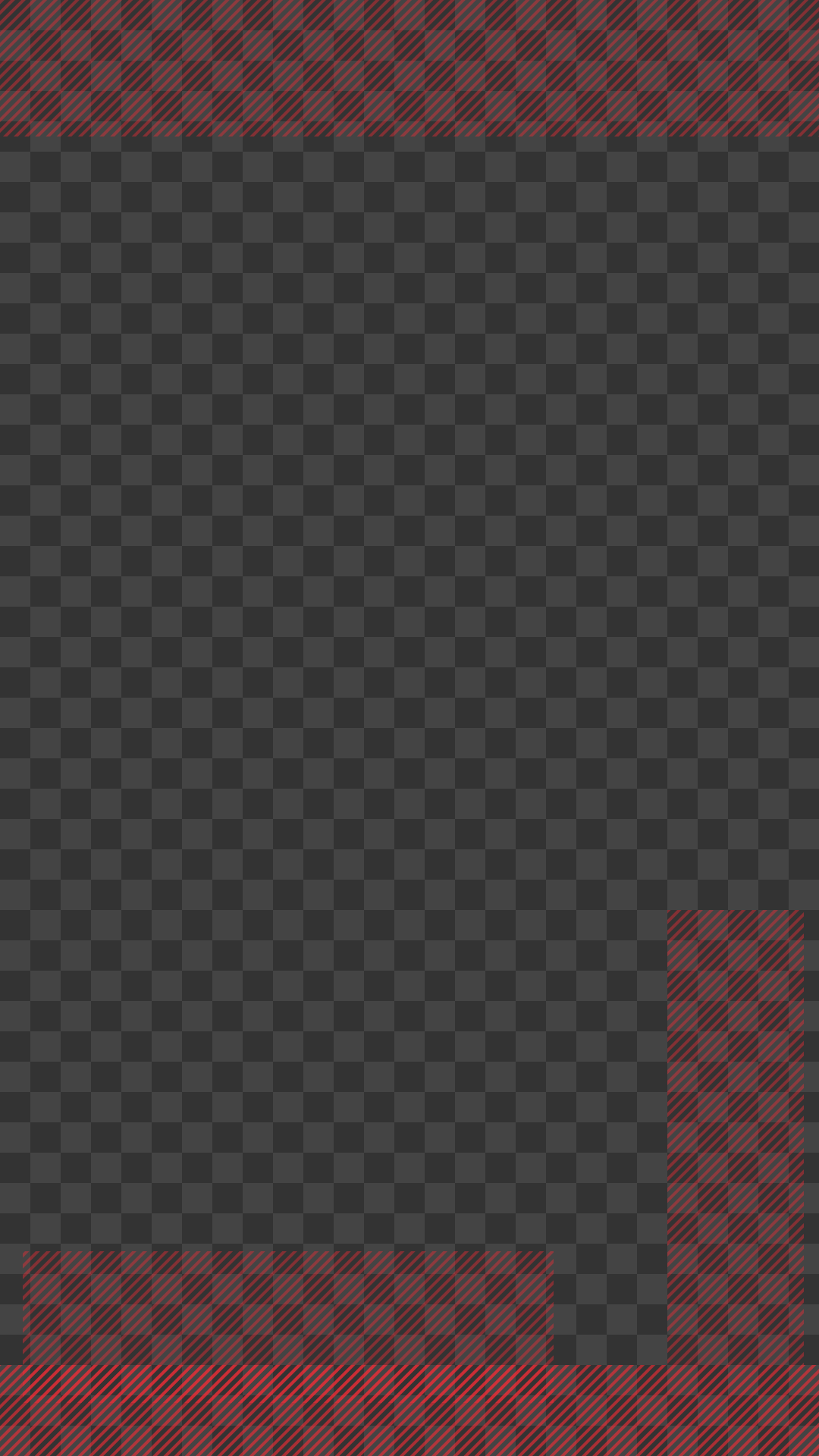
YouTube Shorts Overlays

Make sure your Shorts are perfectly framed. Download our youtube shorts safe zone template 2026 to avoid the right-side engagement icons and bottom title area.

Download Shorts Template

The Pro Workflow

01 / LAYOUT

Split your screen

Keep your video editor (Premiere, CapCut, DaVinci) on the left and safearea.video on the right.

02 / UPLOAD

Drag & Drop

Drop your latest export into the browser tool instantly.

03 / FINALIZE

Adjust & Export

See exactly where your text hooks, captions, and CTAs get covered by the platform UI, then tweak your project and re-export.

Why it works

No phone transfers

You don't need to AirDrop or transfer files to your phone to check the UI.

No app switching

Check safety overlays directly in your desktop workspace without leaving your editor.

Zero Uploads

Your raw video never leaves your computer; it stays local in your browser for total privacy.

YouTube Shorts Safe Area 2026

YouTube Shorts are rapidly dominating short-form video content, making it vital to format your videos perfectly. Understanding the youtube shorts safe zone guarantees your viewer's experience isn't ruined by UI elements like the right-side engagement icons, descriptions, and the massive Subscribe button.

Mastering the Shorts Format

Unlike other platforms, YouTube features a prominent channel title and subscription button at the bottom of the screen. Our youtube shorts safe zone template 2026 makes it effortless to bypass these areas, ensuring your important content always shines through.

A reliable youtube shorts safe area allows editors to confidently place graphics and text hooks. A youtube shorts safe zone template will save you from tedious re-edits and frustrating UI overlap issues.

Handling Right-Side Engagement Icons

The Like, Dislike, Comment, and Share buttons on YouTube Shorts run distinctly up the right side. Designing with a youtube shorts safe zone template ensures your dynamic content avoids these interaction points, preventing accidental clicks away from your carefully planned hook.

Frequently Asked Questions

Buy me a coffee